Seamless recruitment across every channel
eduConverse streamlines personalized student experiences through unified data and omnichannel automation, ensuring relevant messaging for a seamless recruitment journey.

Transform recruitment communications into measurable impact
Launch campaigns based on enrollment stages, characteristics, and behavior, integrating email, SMS, social media, print, video, and follow-ups, all from one platform.
Trigger postcards, mailers, or letters, integrated with digital channels.
Prefilled
Boost application and event signups with prefill forms.
Site tracking
Track every action from email and across your website.
Landing pages
Supercharge response with dynamic forms with conditional logic.
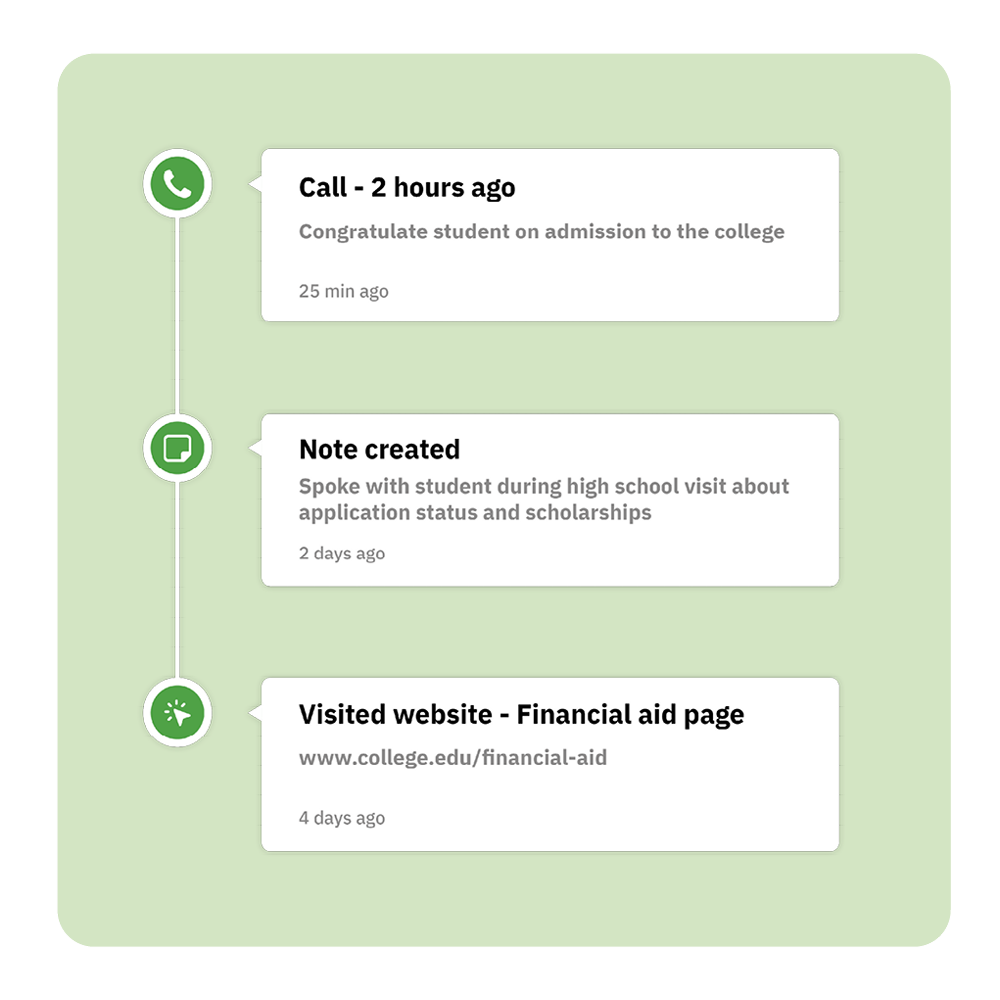
Personal every recruitment experience at scale
Create personalized journeys with split and conditional actions that automatically route students based on their behavior, preferences, and engagement–so every student gets exactly what they need and when they need it.
Everything you need in one platform
Graduate from legacy CRM platforms and an assortment of software and embrace omnichannel marketing to achieve your enrollment goals.
Master cross-channel
Coordinate your campaigns across email, SMS, WhatsApp, print, social, and web channels.
Smart automation
Build sophisticated and adaptable marketing workflows with split and branching paths.
Predictive sending
Make sure each email lands when your audience is most likely to engage.
Real-time analytics
Get valuable insights into your email campaign performance, with actionable next steps.
Behavioral triggers
Send the right message at the perfect moment based on student characteristic, stage, or behavior.
Goal tracking
Set goals as students advance in the enrollment journey to trigger the next best action.
Site and event tracking
Follow how your audience interacts with your website and find valuable ways to optimize.
Advanced segmentation
Create precise audience segments by student type, or characteristics such as first-generation, scholarship-eligible, and more.
Attribution
See exactly which sources, channels or campaigns drive your best students to apply and commit.
FAQs
What is omnichannel marketing automation?
Omnichannel marketing automation leverages technology to coordinate personalized student experiences across multiple channels, including email, SMS, social media, print, phone, video, and web, all from a single platform.
This approach ensures consistent messaging by connecting student actions across touchpoints without manual intervention. By unifying data, omnichannel automation delivers contextually relevant messages, creating a seamless student journey.
What are the most effective communication channels for enrollment management and marketing?
To effectively manage enrollment and marketing, it’s crucial to use multiple communication channels. Prospective students are often distracted, so a tailored strategy—our Conversation Plan—combines different channels with customized content at the right times. This demonstrates your attentiveness to their needs and helps them make informed decisions about their futures.
How does migration from my current Admissions CRM platform work?
Our migration specialists handle the technical details of planning your transition and integrating your data, forms, templates, and existing campaigns from your platform to eduCRM at no additional cost. Whether through native integrations such as Salesforce or custom integrations, our team will architect your account, setting up fields and recreating key automations while ensuring your email deliverability stays strong during the transition.